Room & floor plan
Use Apple RoomPlan to capture walls, doors, windows and furniture in a simplified model. Keep the overview in a top-down floor plan.
RoomPlan · USDZ · PNGFrom the room in front of you to a floor plan and 3D model. Capture with LiDAR, inspect the details, and take your files with you.
Download on the App StoreScanning requires a LiDAR-equipped iPhone Pro, iPhone Pro Max, or iPad Pro.
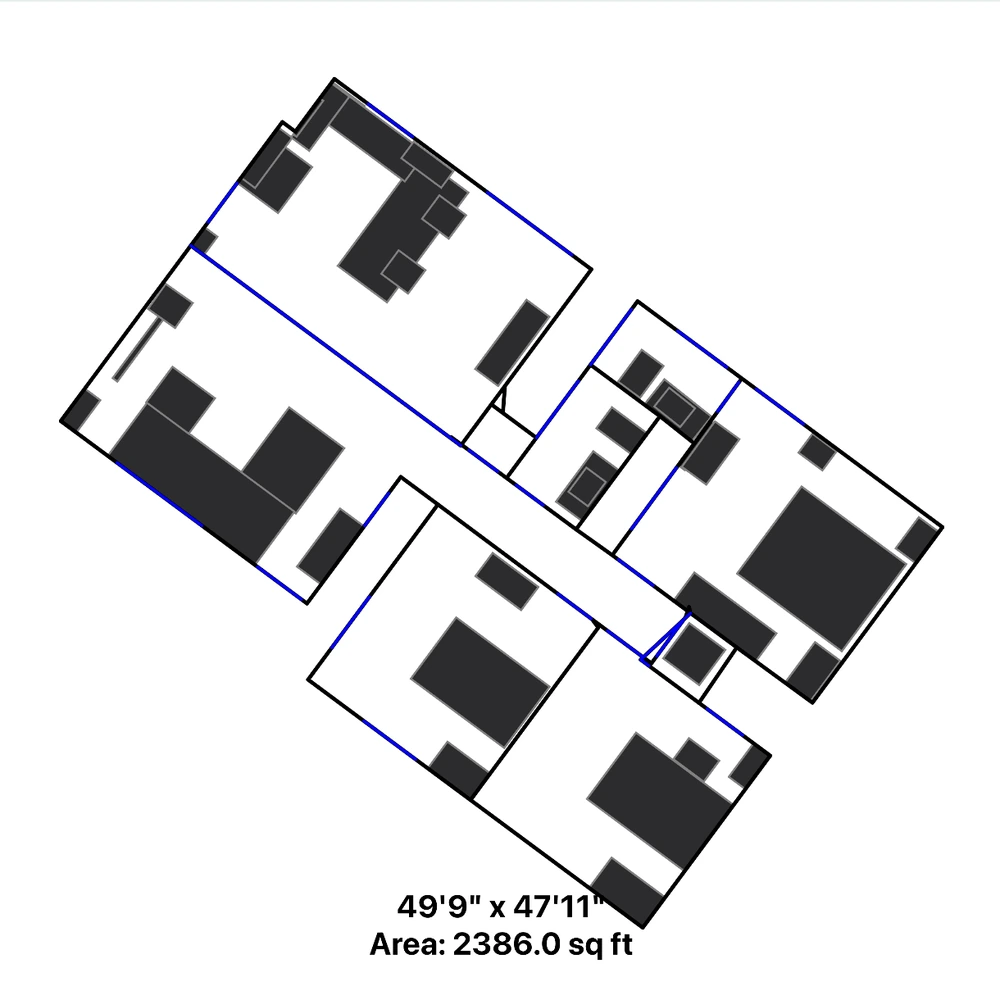
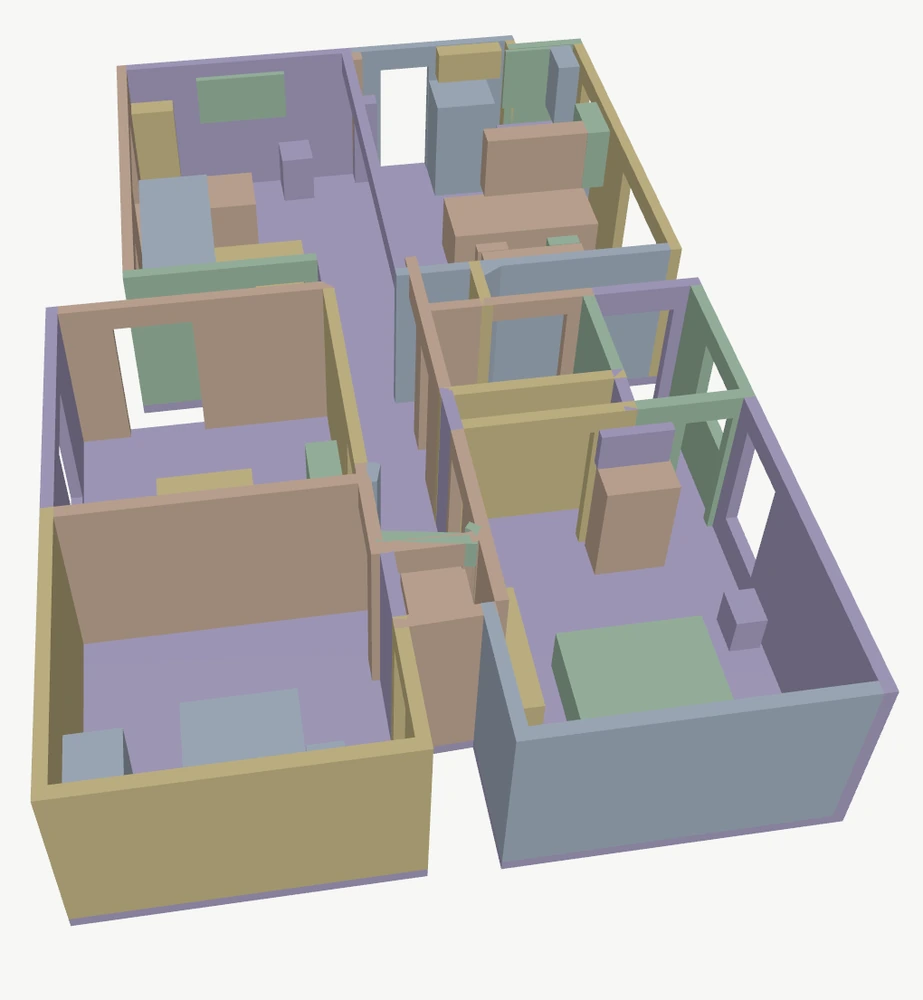
A room layout or a closer look at its surfaces. Two capture modes, with your saved work kept together by project.
Use Apple RoomPlan to capture walls, doors, windows and furniture in a simplified model. Keep the overview in a top-down floor plan.
RoomPlan · USDZ · PNGCapture surface geometry with LiDAR and save a 3D mesh. Open your saved model to look around and examine the shape of the space.
LiDAR · OBJFrom the first overview to the file you share, stay close to the details that matter.
Open a saved floor plan, review the layout and keep project notes alongside the scan.
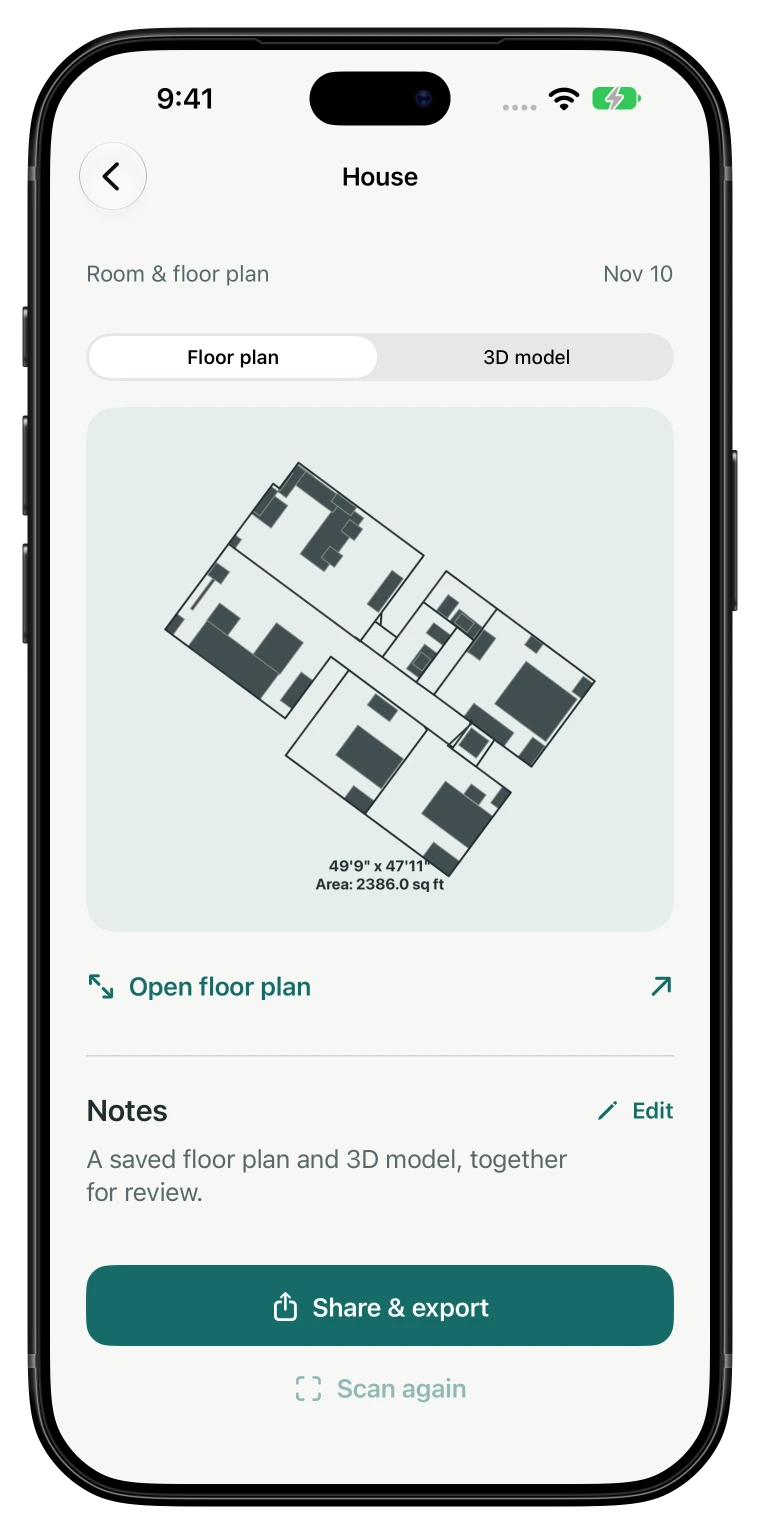
Share a clear summary or keep working with the original files. Choose what goes into a PDF report, including notes, dimensions, a floor plan and a selected 3D snapshot.
Available files depend on the capture mode and the files saved in your project.
Scans, images and exports are stored locally and in your own backups if enabled. The app sends basic usage analytics, not scan content. Read the privacy policy.
Room scanning requires a LiDAR-equipped Pro device: iPhone 12 Pro or later Pro models, iPhone 12 Pro Max or later Pro Max models, or a supported iPad Pro with LiDAR (introduced in 2020). Not every iPad Pro has LiDAR; older models do not. Standard iPhone, iPhone Plus, iPhone SE, iPhone Air, iPad, iPad Air and iPad mini models do not have a LiDAR Scanner. Devices without supported capture hardware can still browse saved projects. RoomVector requires iOS or iPadOS 26.1 or later. Check your model and the App Store listing for compatibility.
Orbit and zoom, use the model measurement tools, enter walkthrough mode, or use X-Ray to inspect the space. You can save an image from the viewer and include a selected snapshot in a PDF report.
No. Scans and measurements are estimates. Verify critical dimensions independently. RoomVector does not guarantee that captures or exports meet regulatory or professional standards. See the Terms of Use.
Contact the developer through RoomVector Support. Include your device model, iOS version and a description of what happened so the issue is easier to investigate.
For iPhone & iPad.
Scanning requires a LiDAR-equipped iPhone Pro, Pro Max, or iPad Pro.